 RimDeck
Sort, fix and play your RimWorld mods, with every move explained
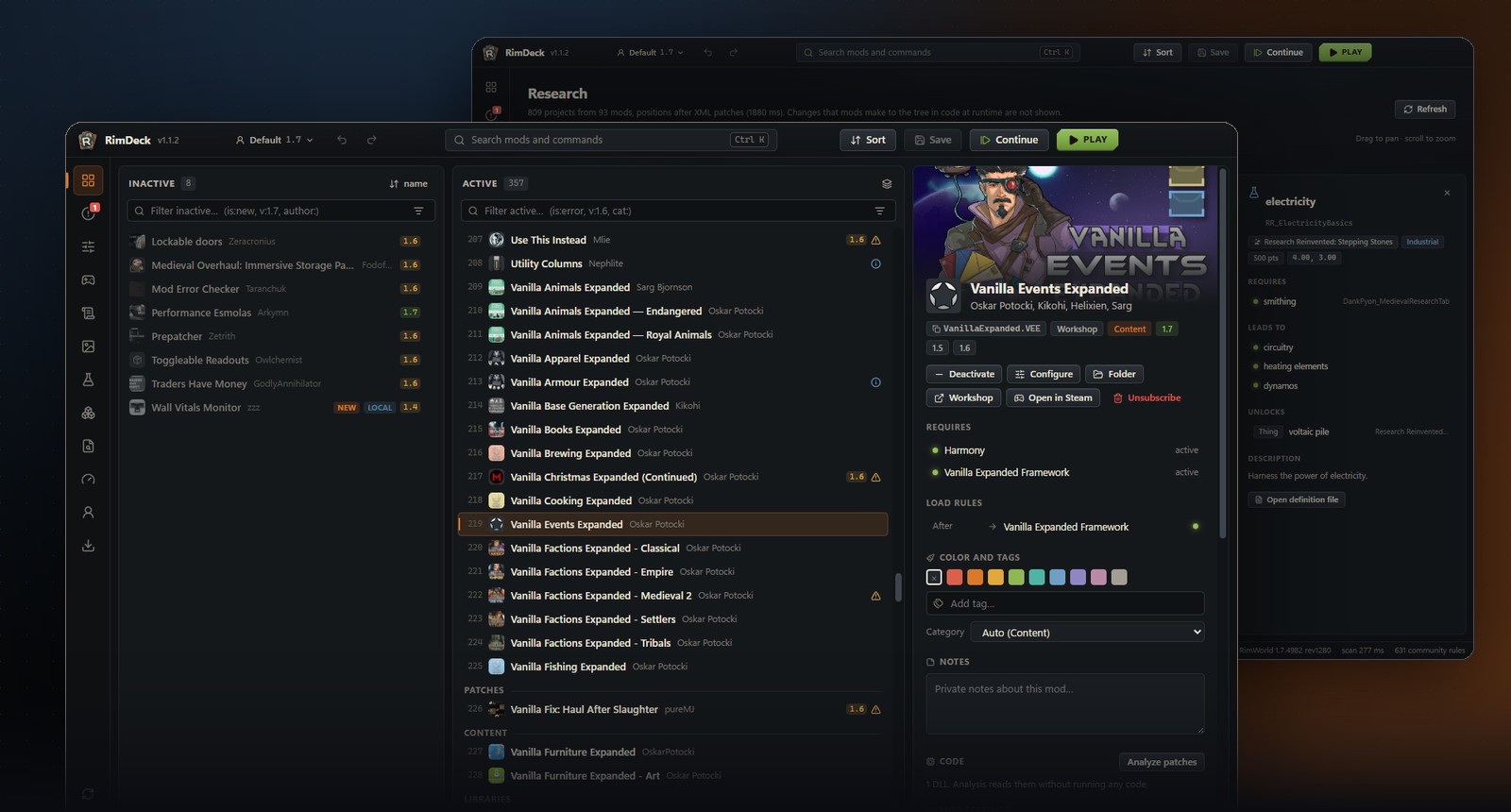
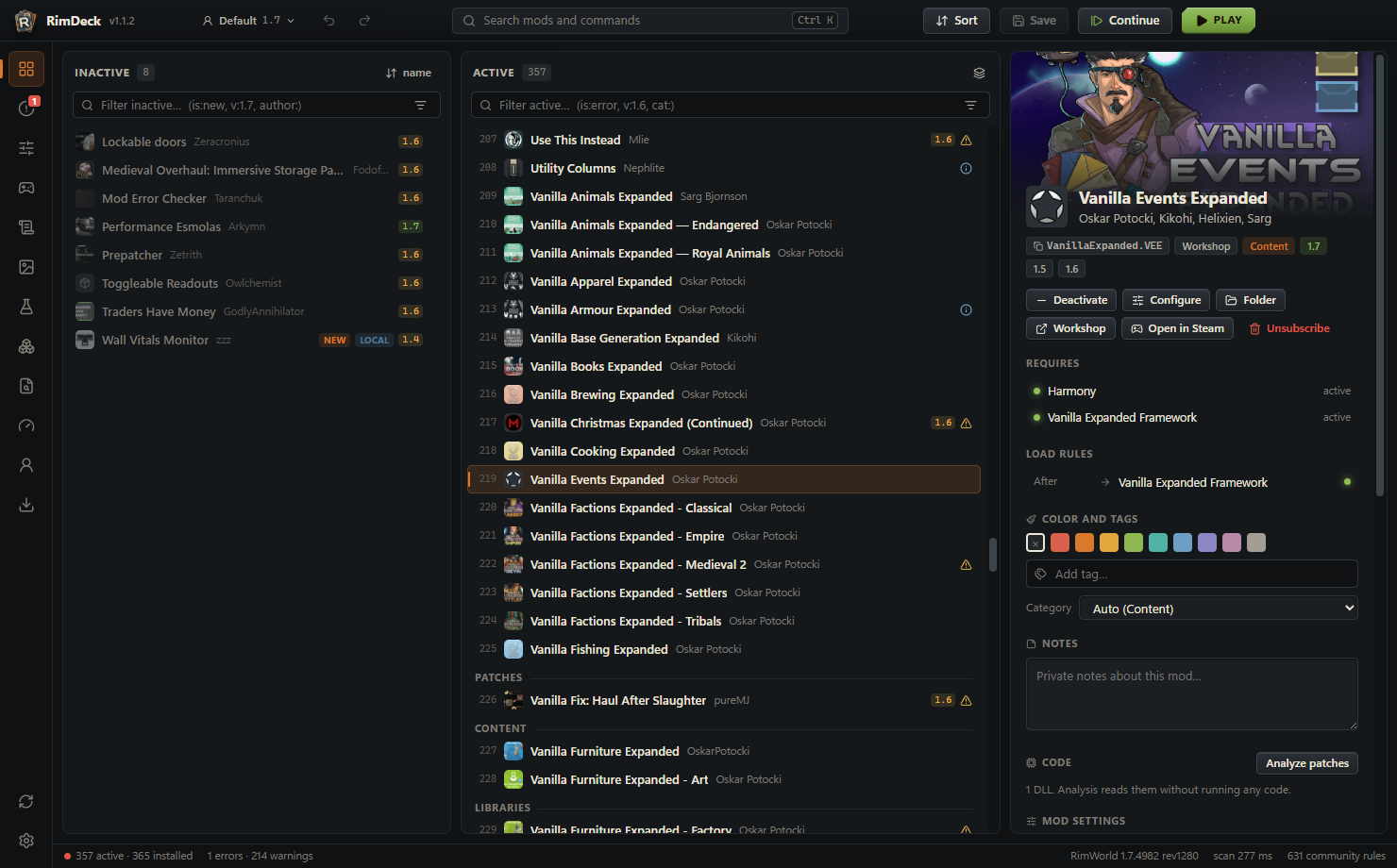
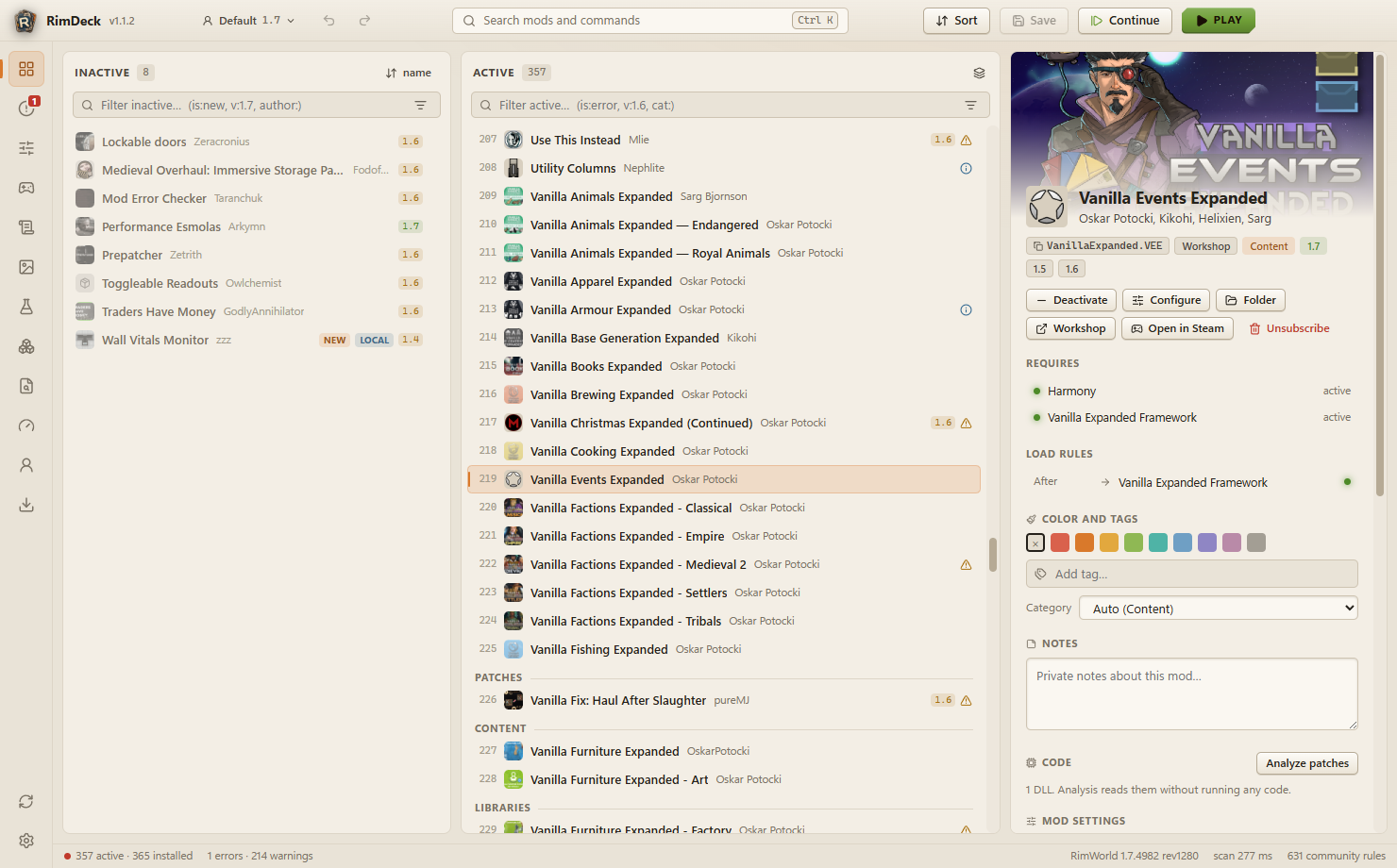
RimDeck is a fast load order manager for RimWorld 1.6 and the 1.7 alpha, on Windows, macOS and Linux. It scans hundreds of mods in a blink, tells you exactly why each mod goes where it goes, finds problems before the game does, and starts you straight back into your colony.
What it does
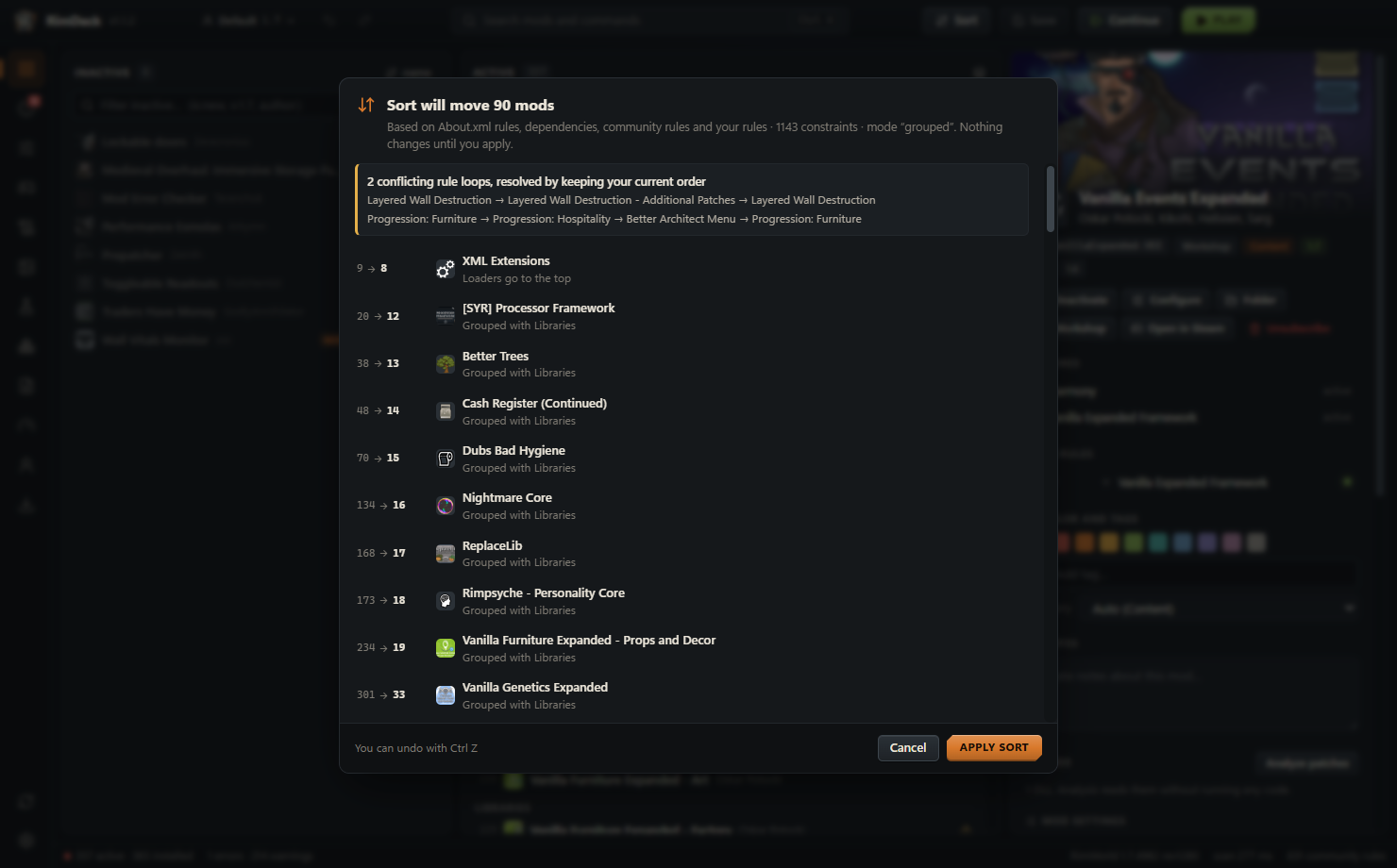
Explained auto-sort
About.xml rules, dependencies, RimSort's community rules and rules inferred from XML patches, with the reason for every move. Nothing changes until you apply it.
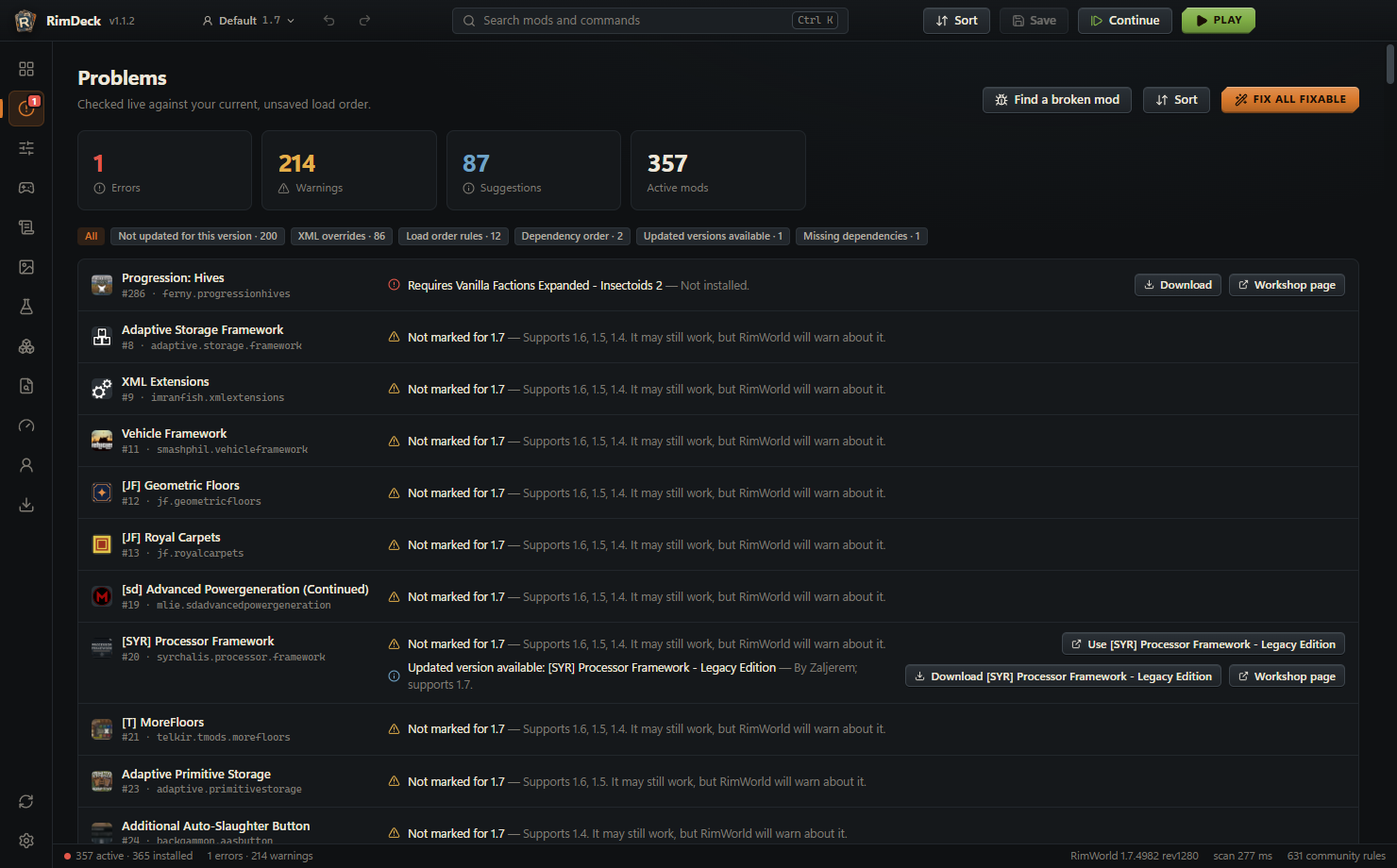
Problem checks
Missing dependencies, broken load order rules, incompatibilities, duplicates and outdated mods with updated replacements, live as you edit.
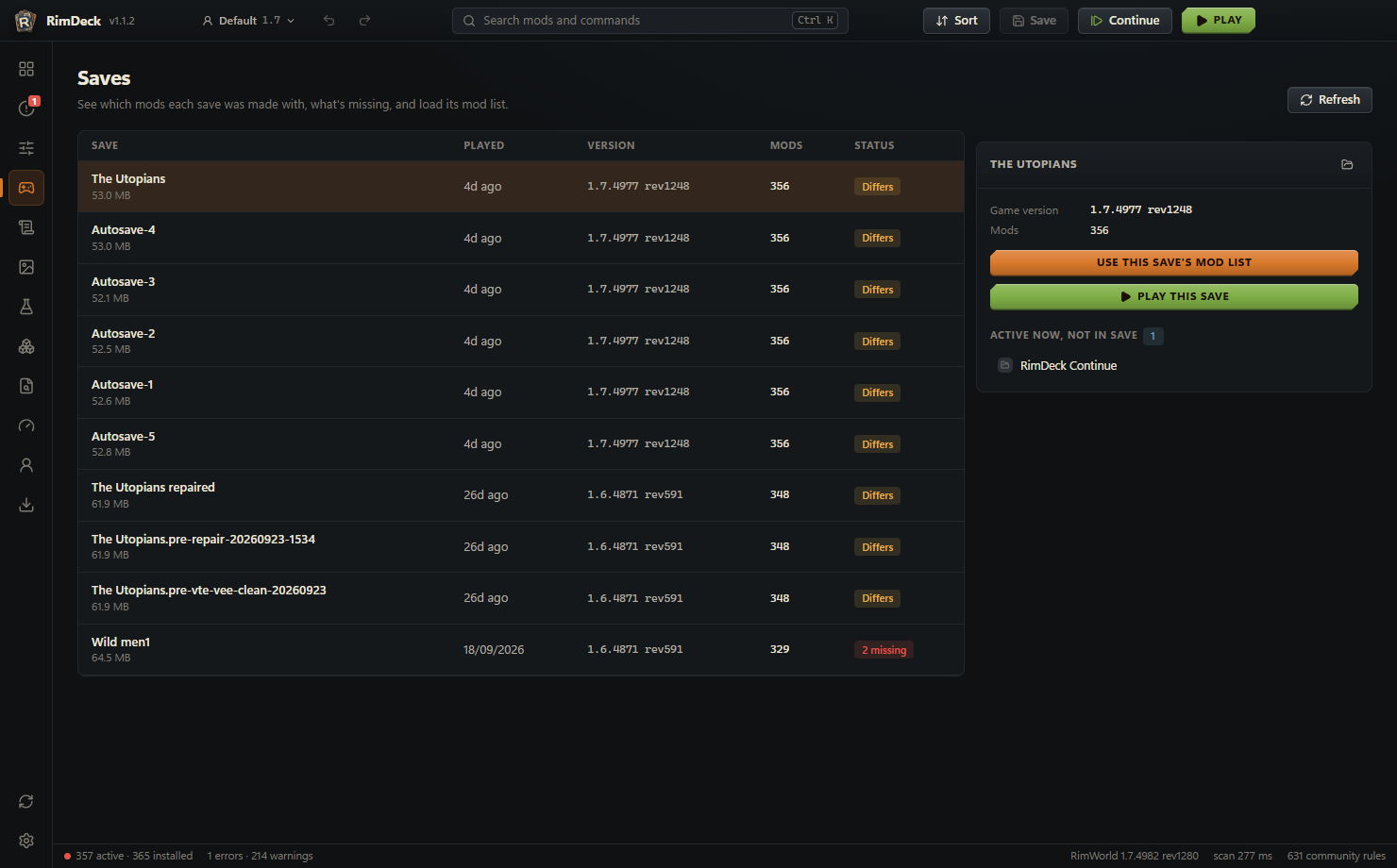
Continue
One click saves your load order, starts RimWorld and opens your latest save as soon as the game has loaded.
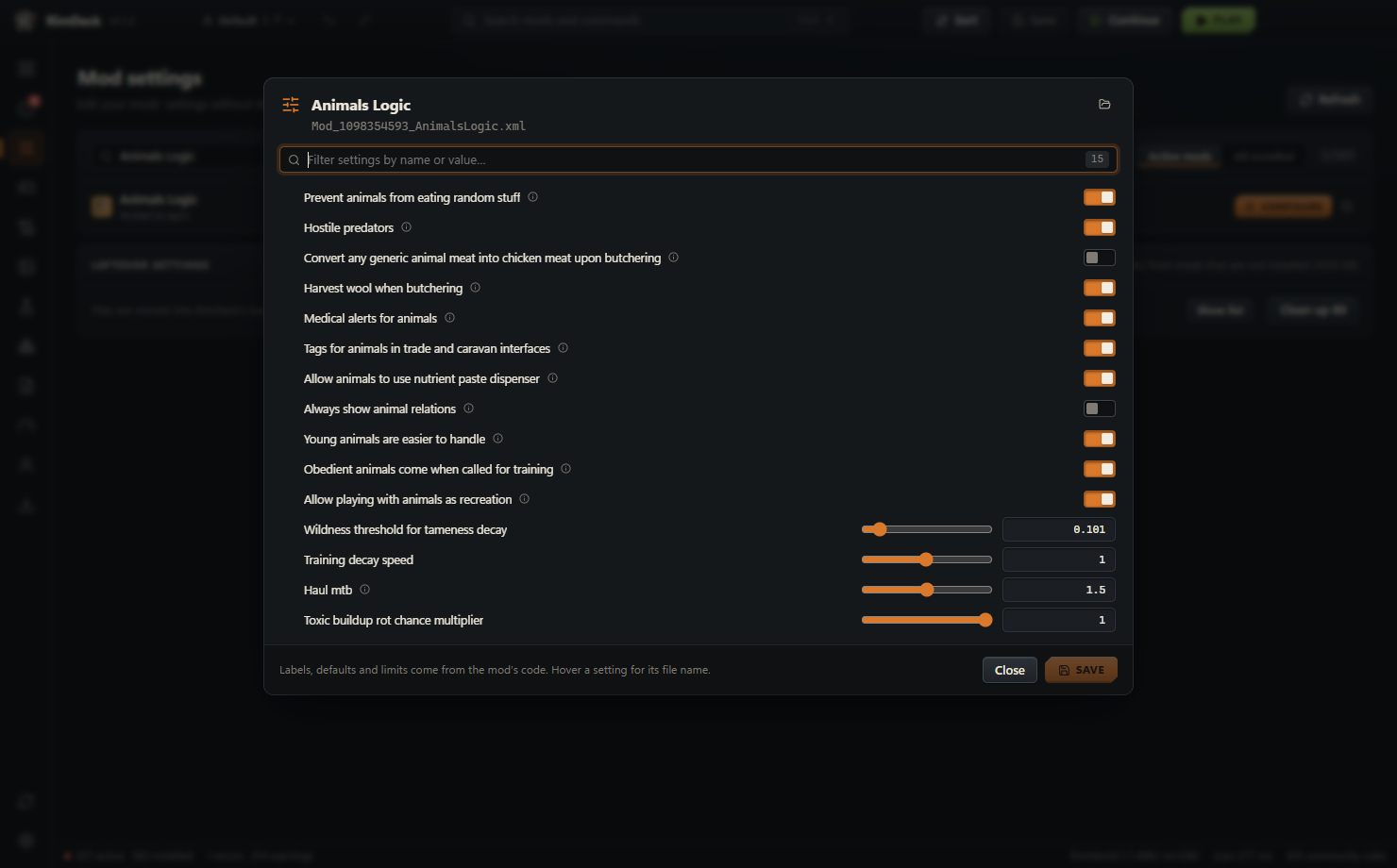
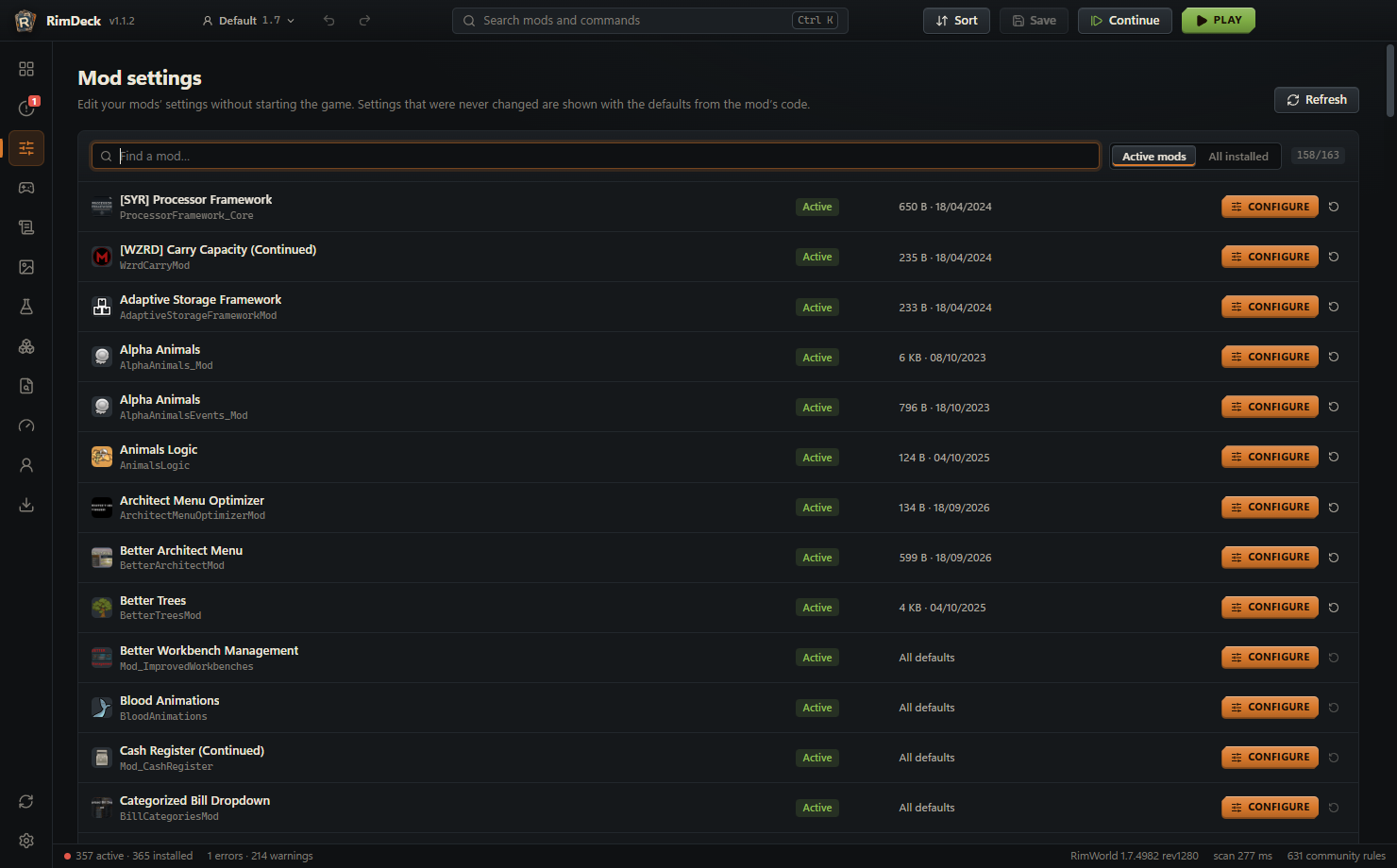
Mod settings without the game
Edit any mod's settings with the labels, sliders and defaults from its own settings window, even ones you never changed.
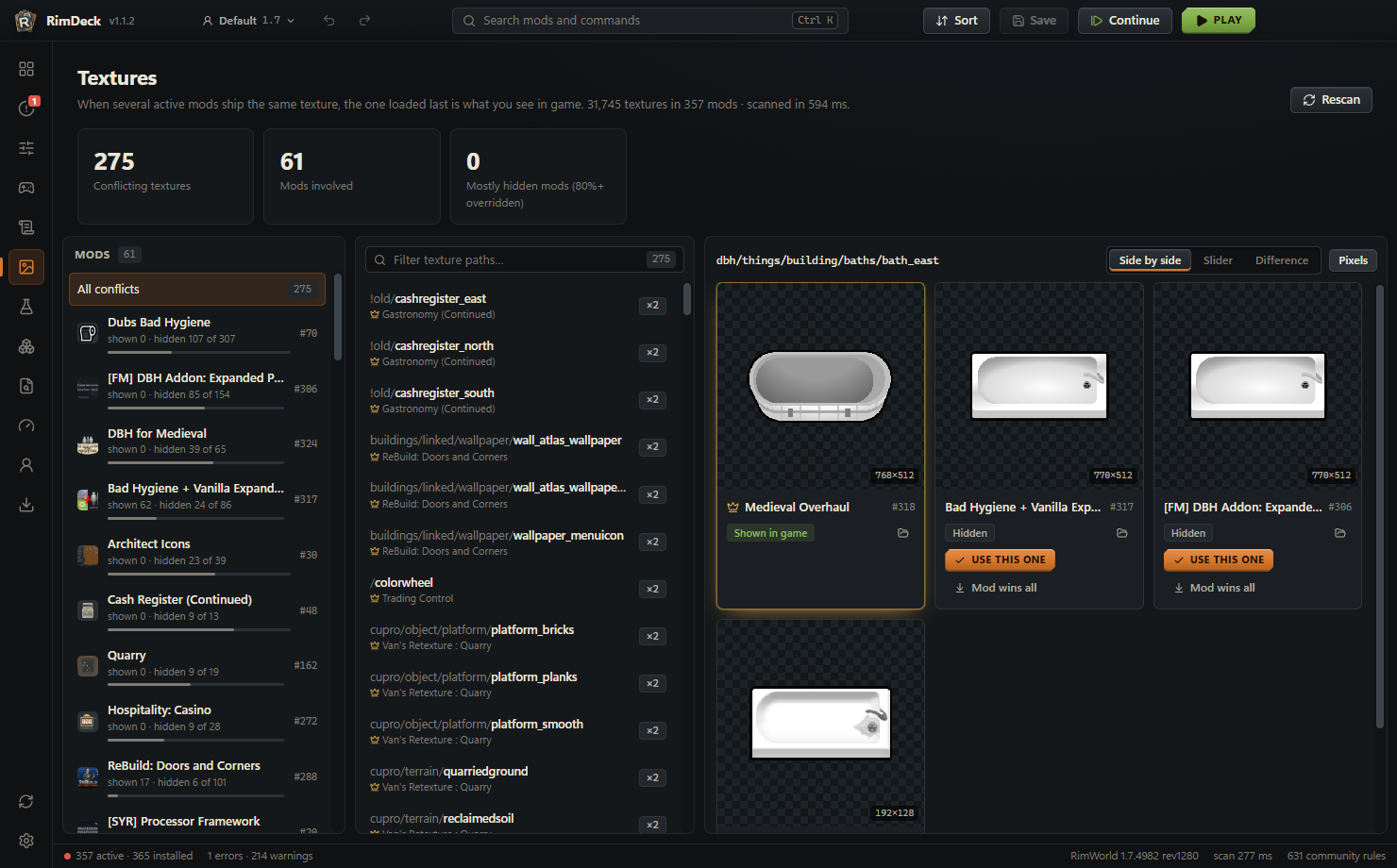
Texture conflicts
See which mod's texture wins, compare side by side or as a pixel diff (DDS too), and pick single textures.
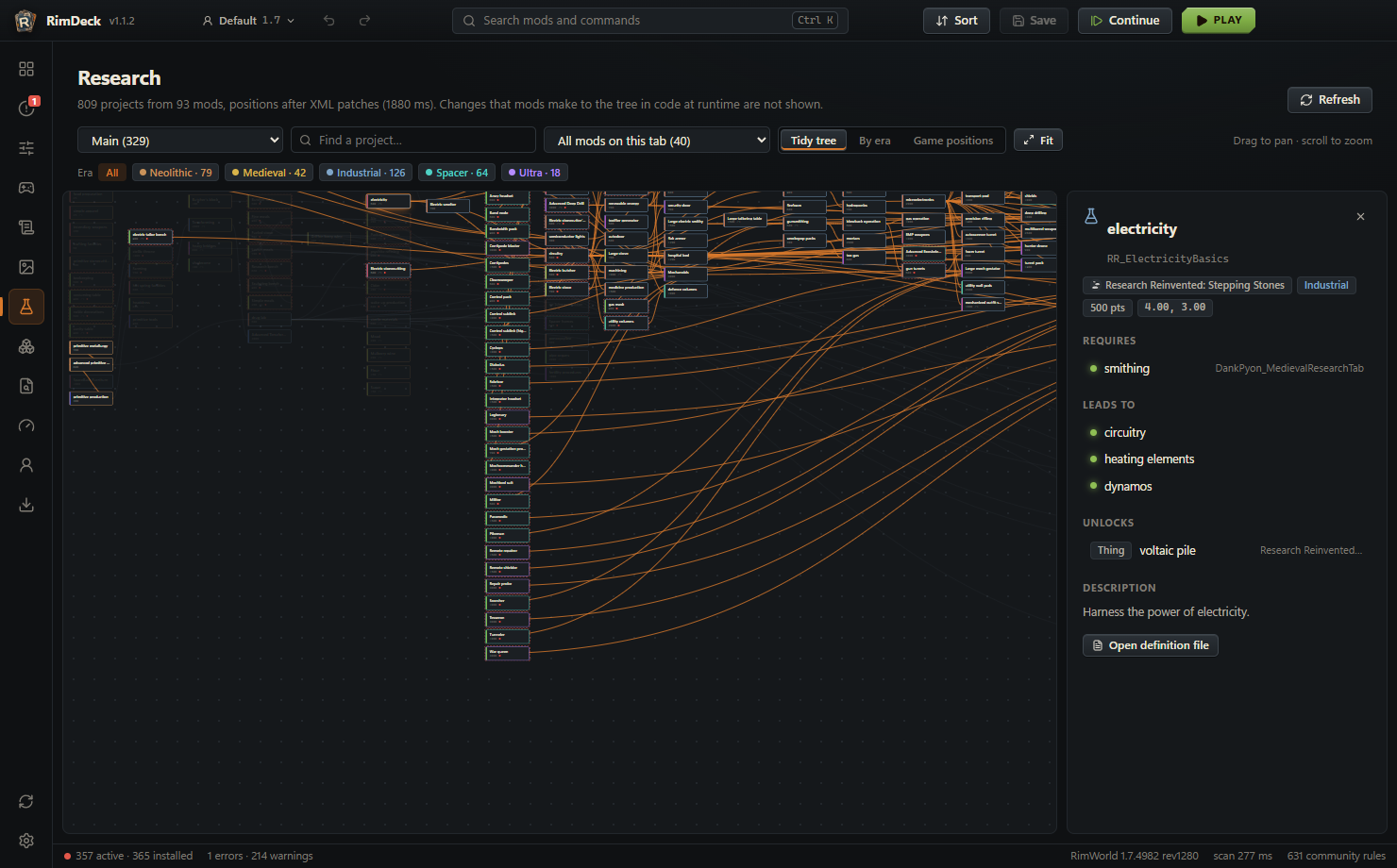
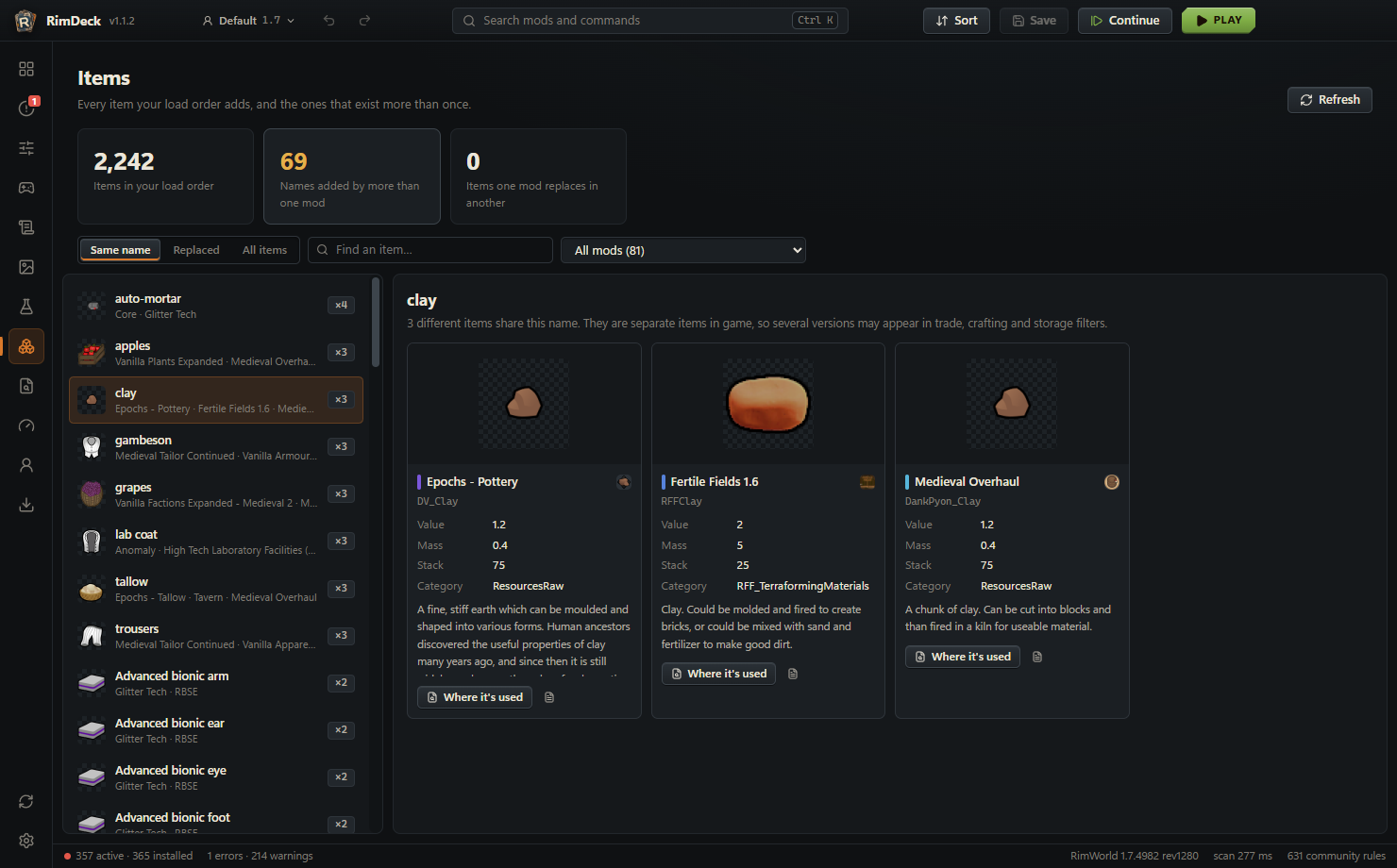
Research tree and items
Every mod's research on one zoomable tree, sorted by era if you like, and items that exist more than once.
Game log and crash finder
Errors grouped and pinned to the mods most likely responsible, plus a binary search that finds a broken mod in a few launches.
Workshop and profiles
Download mods and whole collections through SteamCMD with update checks, and keep separate profiles per game version.
Windows, macOS and Linux
The same RimDeck on every system, finding RimWorld and your mods through Steam, Flatpak Steam or RimSort, for RimWorld 1.6 and the 1.7 alpha.
Safe by design
RimDeck writes only ModsConfig.xml and the settings you edit, and backs them up first. Mod code is read, never run.
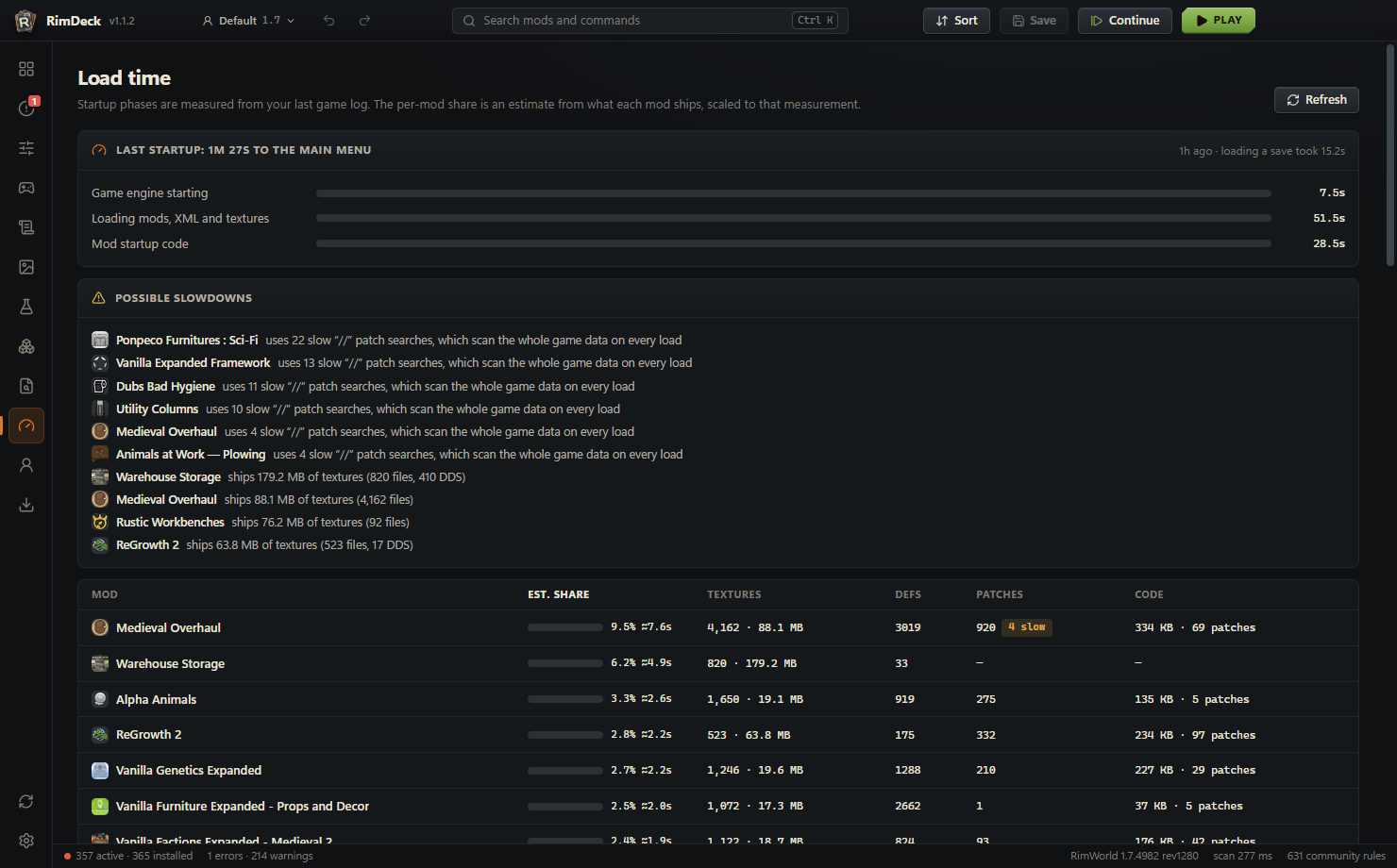
Screenshots
Install
- Download the file for your system from the latest release: the Setup .exe on Windows, the .dmg on macOS, the .AppImage or .deb on Linux.
- On first start, RimDeck finds RimWorld through Steam, or imports your RimSort folders and rules.
- That's it. RimDeck updates itself on Windows and from the Linux AppImage, and tells you about new versions on macOS.